
Call Today: UK+44 28 9099 5931| IE+353 71 985 6215
 Award winning ezServiceHUB platform
 Easy to Install
 Easy to Train
 Easy to use
Call Today: UK+44 28 9099 5931| IE+353 71 985 6215
Award winning ezServiceHUB platform
Easy to Install Easy to Train Easy to useLatest Release Notes
Release Notes 2026
September 2026
August 2026
July 2026
June 2026
May 2026
April 2026
March 2026
February 2026
January 2026
Release Notes 2025
December 2025
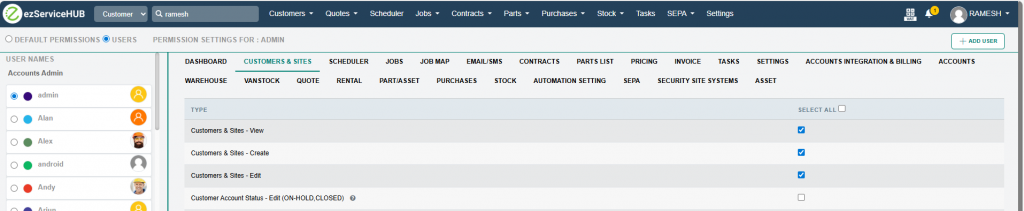
Account Status Permission Controls
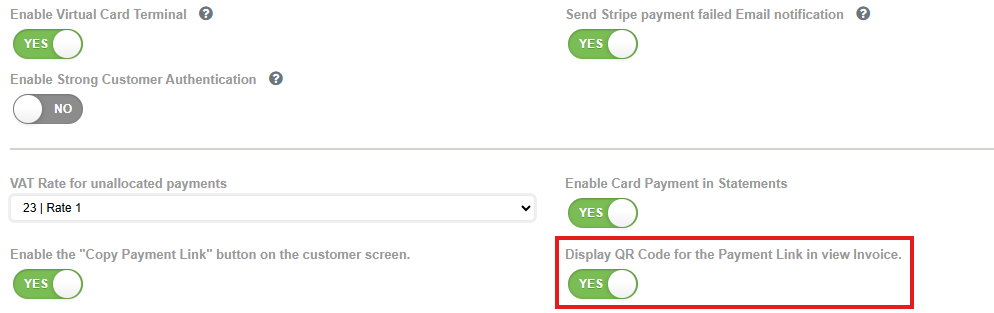
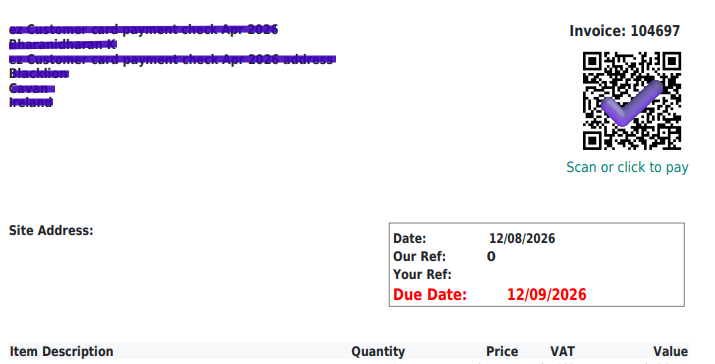
 QR Card payment link in the invoice. When enabled, the system will include a QR code image in the invoice. This allows customers to pay the invoice by scanning the QR code.
Setting:
Invoice:
Stripe Payments in Statements: When enabled, account statements will have Stripe card payment options.
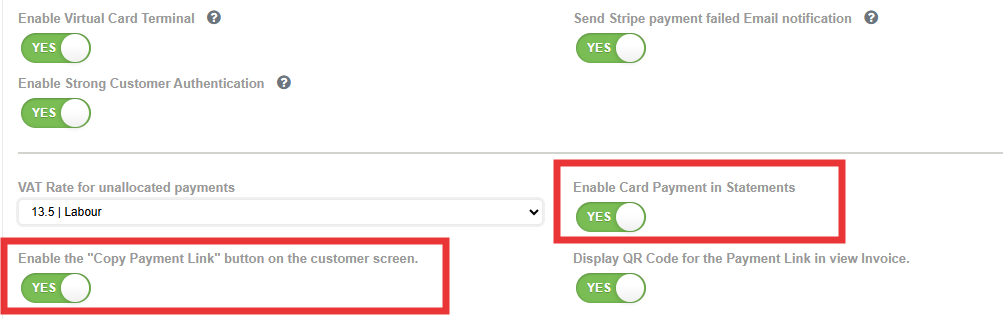
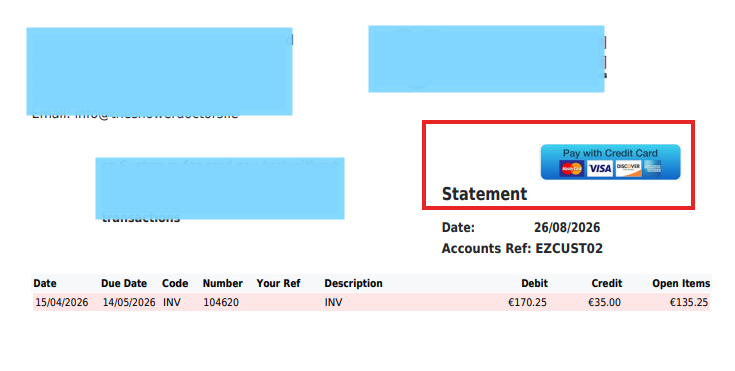
When “Copy payment Link” is enabled, the user can get the payment link URL by clicking “COPY PAYMENT LINK” in the customer screen.
